Edit by chat
In the Lucky Spin example, “Land on 200 instead” changes the prize from 1000 to 200. The opening, button tap and wind-up stay the same. Try the edit and compare saved versions in Studio.
AI motion graphics generator
Turn text or screenshots into product demos, animated charts and marketing videos with frontier Claude models.
Start with a ready-made animation. Upload your own images and tell Tellcut what to change.
Bring your images, direct the movement and keep refining—all in the same workspace.
In the Lucky Spin example, “Land on 200 instead” changes the prize from 1000 to 200. The opening, button tap and wind-up stay the same. Try the edit and compare saved versions in Studio.
Add an app screen, product photo or poster and say what should move. Tellcut suggests animation ideas and builds around the images you bring.
Claude plans the shots and builds the animation. Watch the result beside your conversation, check the timing and request the next change without leaving Studio.
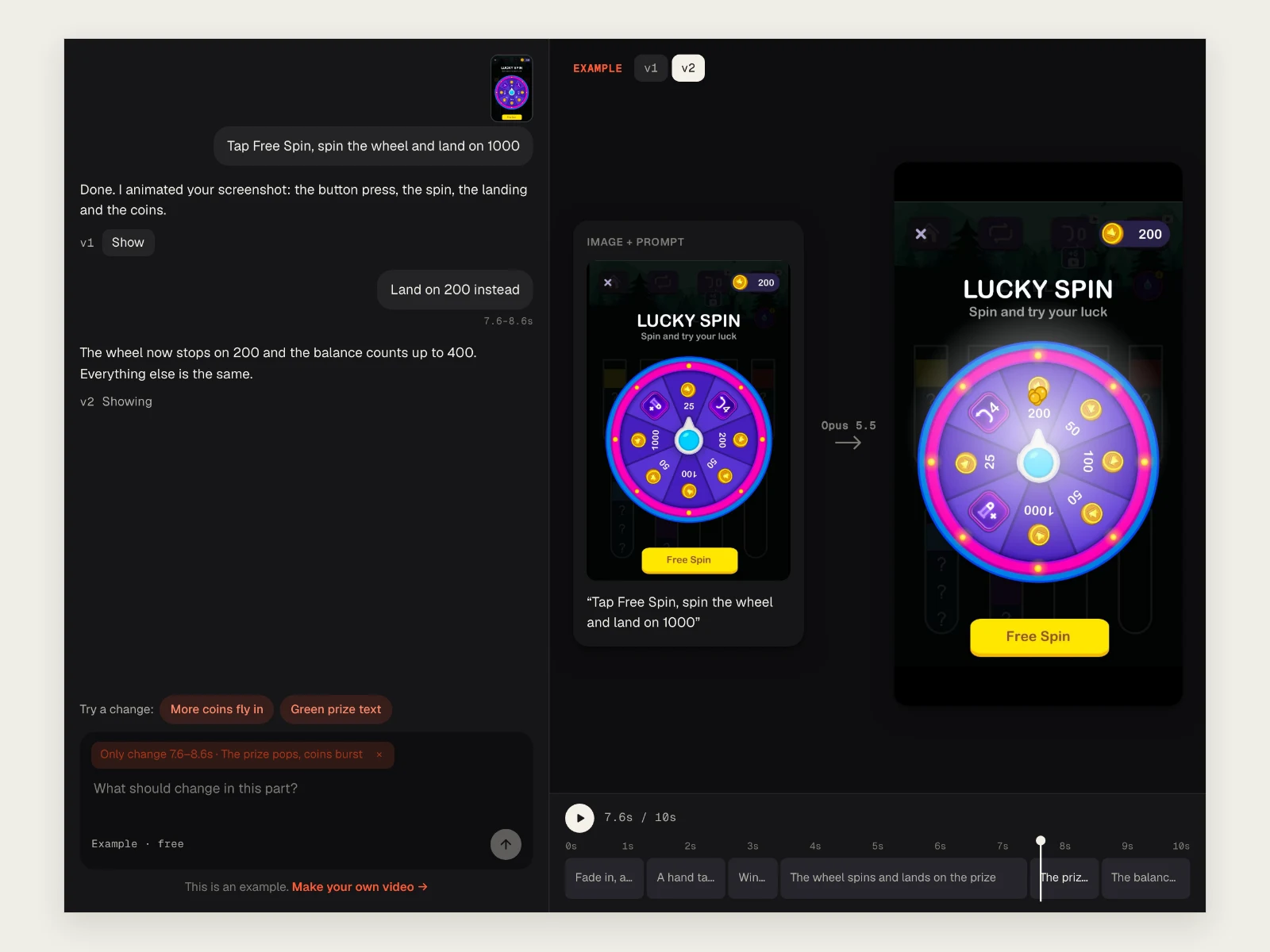
From an image and an idea to a video you can make your own.
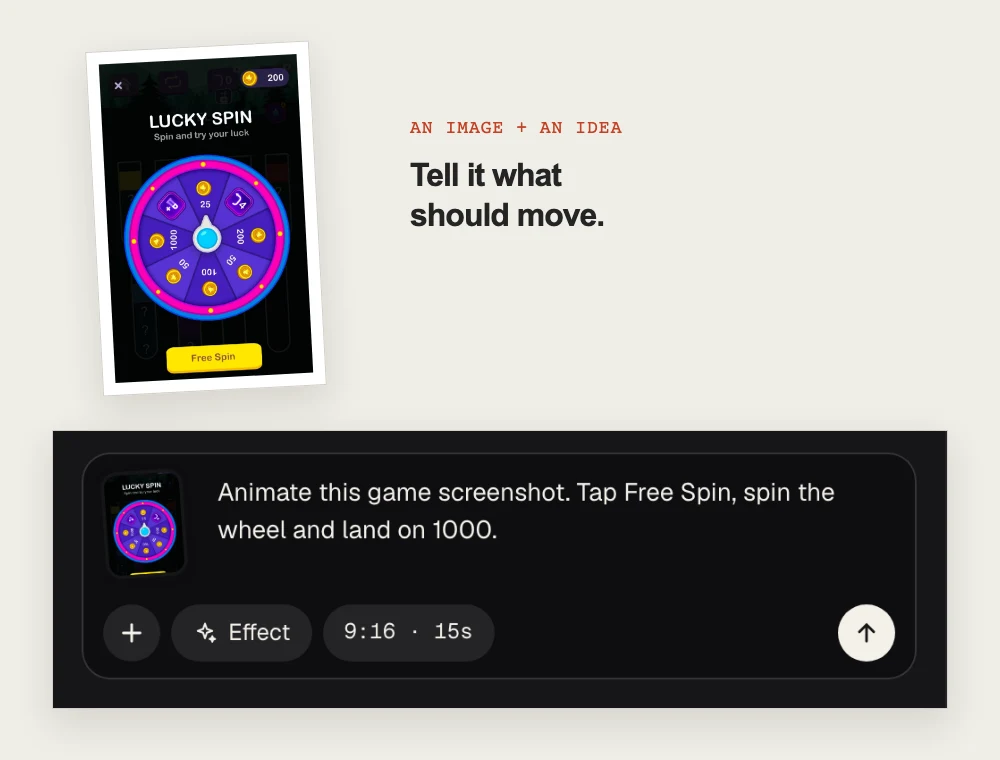
Write a brief or upload an image and say what should move. Choose an effect, aspect ratio and duration to shape the first version.
“Tap Free Spin, spin the wheel and land on 1000.”
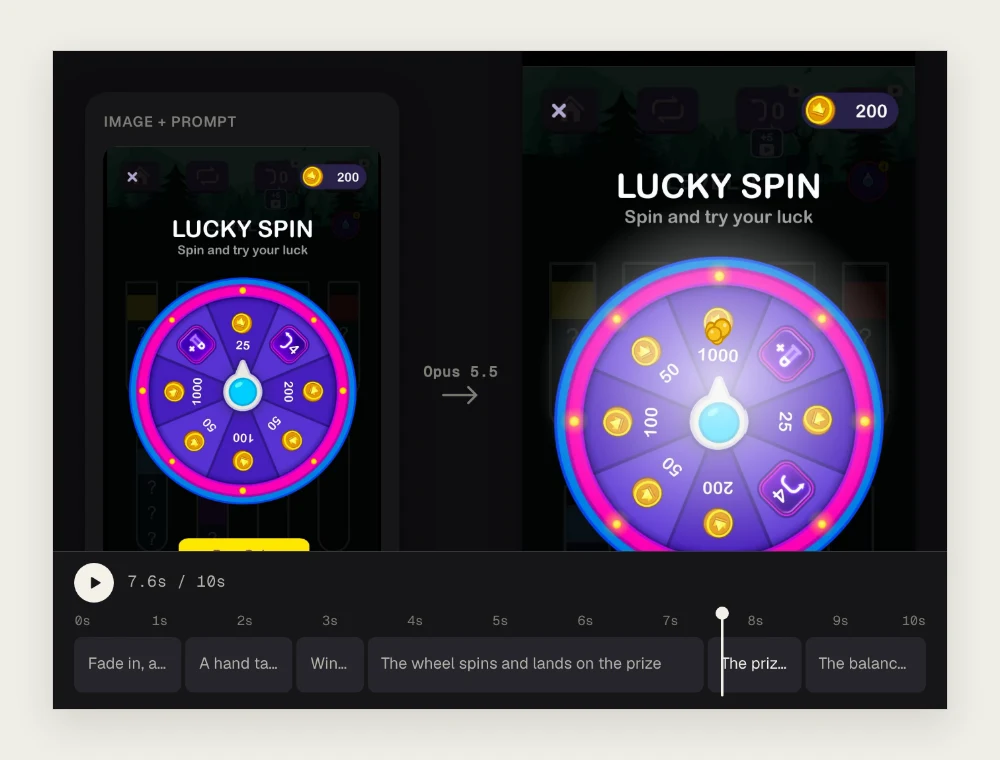
Tellcut plans the shots and builds your animation. Play the preview, scrub through the timeline and check how each part moves.
Watch the button press, the spin and the prize reveal.
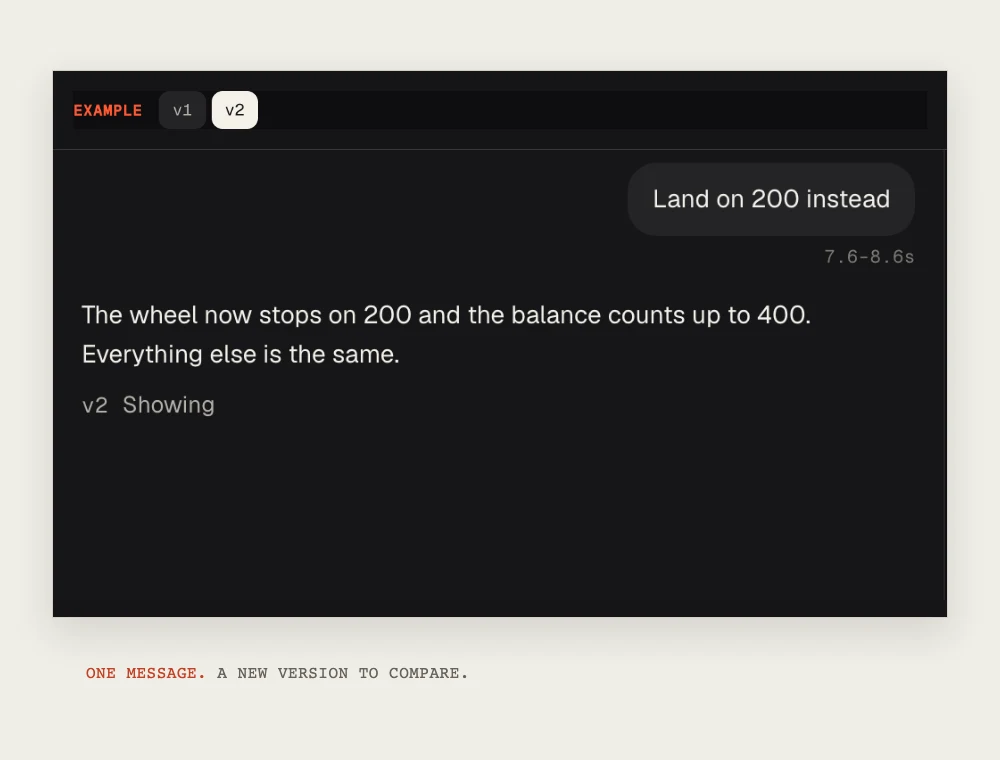
Describe a change or select a shot to focus your edit. Compare saved versions, then download the finished video as a 1080p MP4.
“Land on 200 instead.” The prize changes from 1000 to 200, with the same opening and button tap.
Click an effect to preview it, see the prompt and use it in your video.
Watch selected product videos, brand films and 3D visuals made with Claude Code and Opus.
This video couldn’t be loaded.
Tellcut is an AI motion graphics generator that turns text and screenshots into short animated videos. It currently uses Claude Opus 5.5, with future model upgrades focused on more capable Claude versions for animation creation and editing. Describe your idea, generate a storyboard, refine the video by chat and export the result—all in one browser workspace.
Tellcut is powered by frontier Claude models, bringing advanced reasoning and code generation to motion graphics creation. The AI plans your scenes and writes animation code from your description or screenshots, while you guide the result through conversation. Canva offers a broad design and animation toolkit, while Adobe After Effects provides detailed motion design and compositing controls. Tellcut combines powerful Claude models with an editor built specifically for AI motion graphics: templates, effect previews, shot selection, chat-based revisions, version history and MP4 export. You get advanced AI capabilities in a workflow designed to take your idea through creation, editing and delivery.
Claude can help create code, artifacts and animated content. Tellcut brings Claude-powered generation into a workspace designed specifically for making and revising short motion graphics. You get scene templates, effect previews, screenshot inputs, shot selection, saved versions and video export in one place. This is useful when you want to work through a video brief and its revisions using dedicated video controls. A separate Claude subscription or personal API key is not required.
You can create product demos, app launch videos, UI animations, mobile game ads, logo reveals, animated text, data stories and short explainers. For example, turn a dashboard screenshot into a walkthrough, introduce a product with animated headlines or reveal business figures through a moving chart. Start from your own description or use a template to shape the first version.
Yes. Describe a change in plain language or select a shot to focus your request. In the Lucky Spin example, “Land on 200 instead” changes the prize from 1000 to 200 and the final balance from 1200 to 400. The opening, button tap, wind-up and 10-second duration stay the same. Revisions are saved as versions, so you can compare results and return to an earlier version.
Under Tellcut’s terms, you keep the rights to the material you upload and the videos you create. You can use your videos in advertising, social posts, websites and client projects. You are responsible for having the necessary rights to uploaded images, logos and other assets. AI-generated output is not guaranteed to be unique.
Tellcut offers paid subscriptions for video generation, with monthly and yearly billing options. Your subscription starts after successful payment, and your plan includes credits for generating videos and requesting AI edits. You can browse examples and preview templates before choosing a plan. The pricing page explains current prices, credit allowances and billing details.
AI motion graphics are animated text, shapes, charts, logos and interface elements created with the help of AI. They communicate information through movement—for example, a chart revealing sales figures, a logo appearing on screen or an interface demonstrating a product feature. You describe the content and movement you want, and an AI tool helps build the animation.
Start in Tellcut Studio by describing what the video should communicate, what should appear on screen and how the elements should move. Add a screenshot or reference image when useful. For example: “Create a 15-second product demo from this dashboard screenshot. Highlight the chart, reveal three benefits and finish with a call to action.” Generate a first version, review it, request specific changes and export the finished video. Tellcut brings these steps into one workflow.
The best AI motion graphics generator is the one that fits the visuals you want to create, the details you need to control and the way you plan to use the result. Useful criteria include working with your own assets, revising text and timing, keeping previous versions and exporting a usable video. Tellcut is designed around these priorities. Claude-powered generation works alongside screenshot inputs, scene templates, chat-based revisions and shot selection, with version history to support iteration. It is a practical choice for creating and refining product demos, UI animations, animated charts and short marketing videos through conversation.
AI-generated video is a broad category. AI motion graphics focus specifically on animating designed elements such as text, charts, shapes, logos and interfaces. This makes them useful for explaining information, demonstrating products and presenting brand messages. Cinematic scenes and realistic characters call for a different creative workflow. Tellcut focuses on short, code-driven motion graphics that you can revise through chat.
Start with a prompt. Keep shaping it until it feels like yours.